Original editorial analysis of published product information. We have not conducted hands-on or laboratory testing for this article. Manufacturer claims are identified, and product photographs are credited to their sources.
The overview
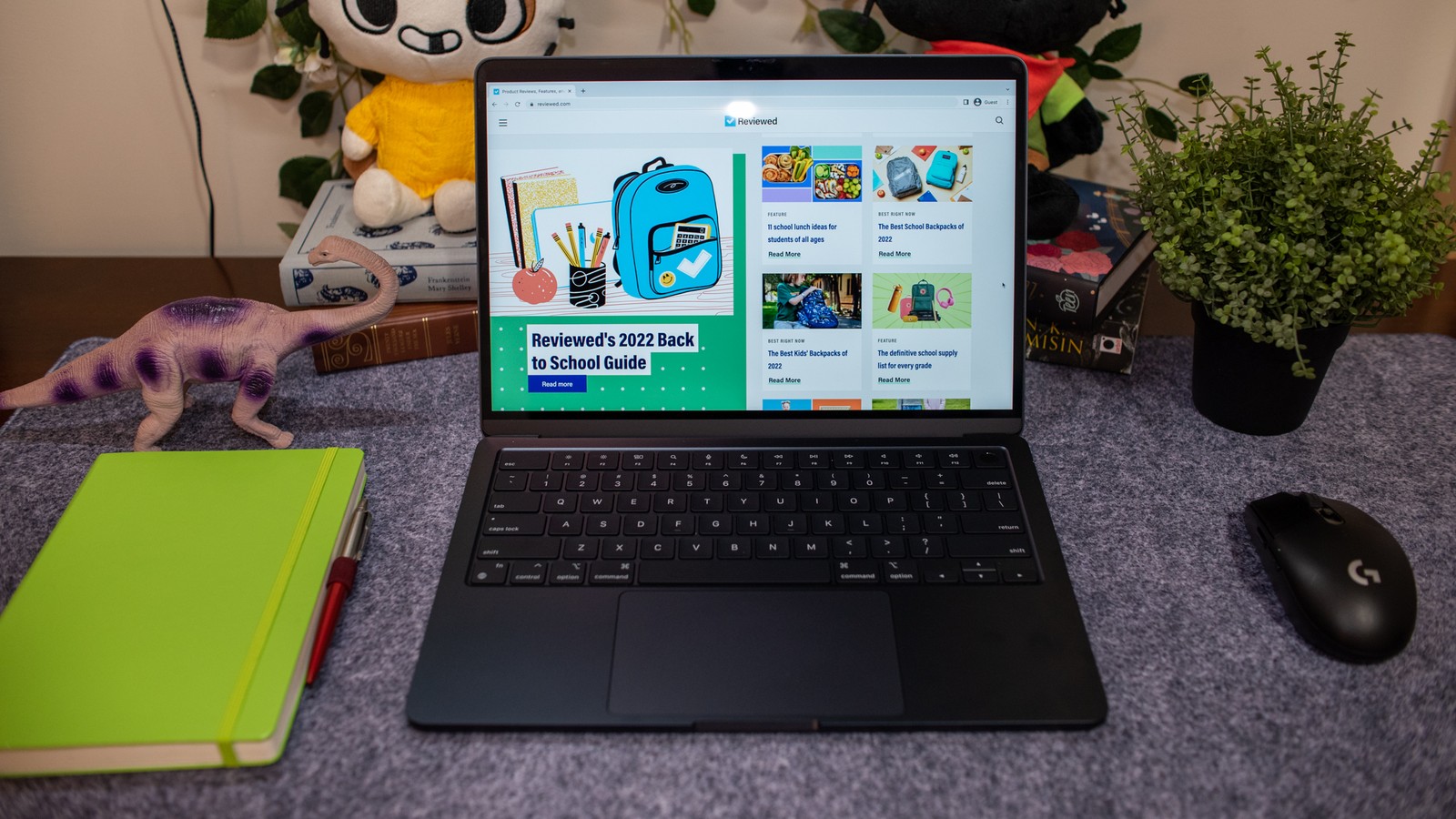
The 13-inch MacBook Air M2 is easiest to understand as a portable work surface. It is designed around taking a browser, documents, calls, and creative applications from one place to another. Its appeal is not a promise that every task needs maximum performance. It is the possibility of a simpler laptop that fits the work you already do. This review concerns the 2022 13-inch model; a listing that says only “M2 Air” does not give you enough information to buy confidently.
The appeal of a fanless laptop
The Air uses a fanless design. That removes fan noise from the equation, but it does not remove the need to think about workload. Short bursts of work and long, continuous rendering jobs place different demands on a thin chassis. For documents, planning, and mixed browser work, we would focus on memory capacity and the applications you keep open. For sustained production work, compare a machine with active cooling and look for independent testing that reproduces your own tasks.
A screen and port selection with boundaries
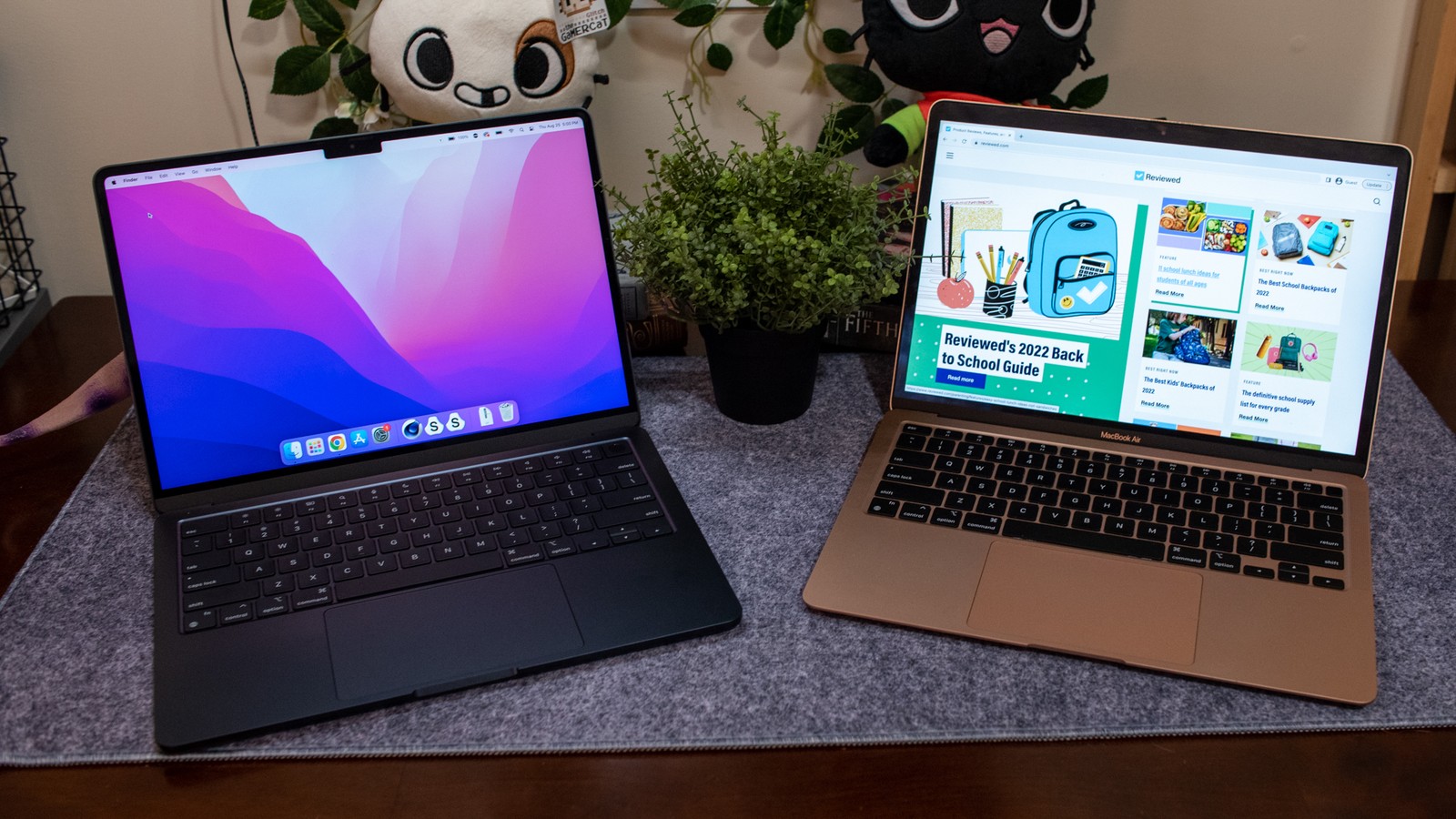
The 13.6-inch display gives this model a slightly roomier canvas than its name might suggest. MagSafe charging leaves its two Thunderbolt / USB 4 ports available for accessories, which is useful on a desk with external storage. The more significant restriction is display support: Apple specifies one external display, up to 6K at 60Hz, alongside the built-in screen. If your desk depends on two native external displays, settle that requirement before comparing colors or storage sizes.
Choose the configuration before you choose the deal
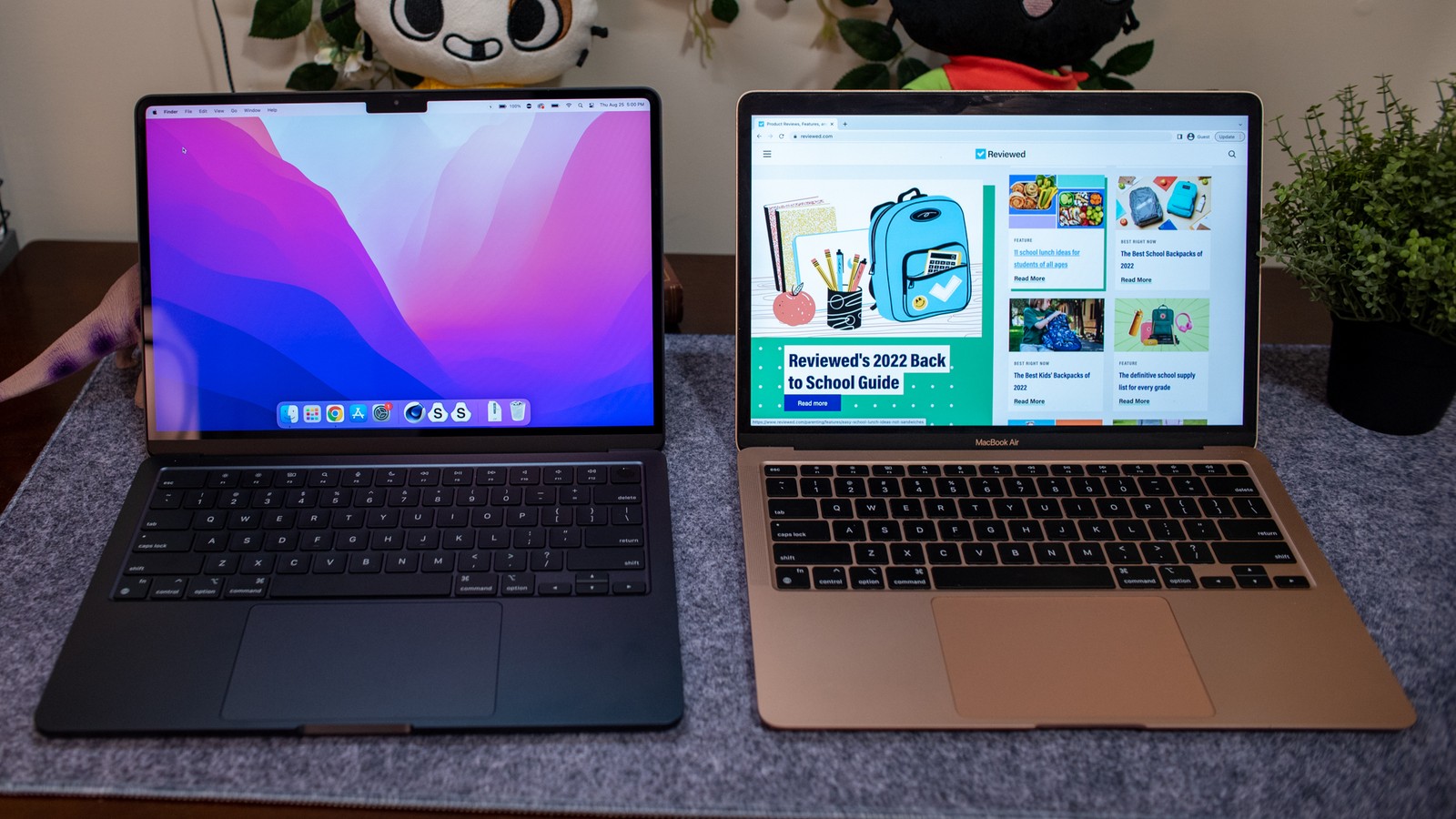
Treat memory and storage as purchase-time decisions. They are not conventional user-upgradeable components. A cheaper configuration can become expensive if it forces you to replace the laptop early or constantly manage external drives. Count the applications, projects, and media you expect to keep available, then leave some headroom. We would rather see a buyer choose the right configuration than chase a larger percentage discount on the wrong one.
Buying a previous-generation model
A used or refurbished Air should be judged as an individual machine. Ask for battery-health information, inspect the charger and screen, and check that the computer is free of account locks and organizational management before paying. Confirm the seller’s warranty and return terms in writing. We have not run battery or performance benchmarks for this article, so no runtime promise is implied. Software support also needs to be checked against Apple’s current compatibility information when you buy.
What works
- Fanless design for quiet spaces
- MagSafe keeps the data ports available
- 13.6-inch display in a portable format
What to consider
- One native external display
- Memory and storage are purchase-time choices
- Condition matters on older or refurbished units
Who should buy it?
A strong fit to consider for students, writers, and office users who prefer macOS and one external monitor. People with sustained rendering workloads or a multi-monitor desk should compare alternatives around those needs.
The SmartBuy verdict
A considered choice?
A sensible everyday Mac when its memory, storage, condition, and price match your workload. The external-display limit and lack of internal upgrades are the most important checks before purchase.
Sources & transparency
Product details checked for this article on Nov 15, 2026. Availability, software features, and seller pricing can change.
Photography is used with permission or under the source’s editorial-use terms. See image credits. Read our affiliate disclosure.